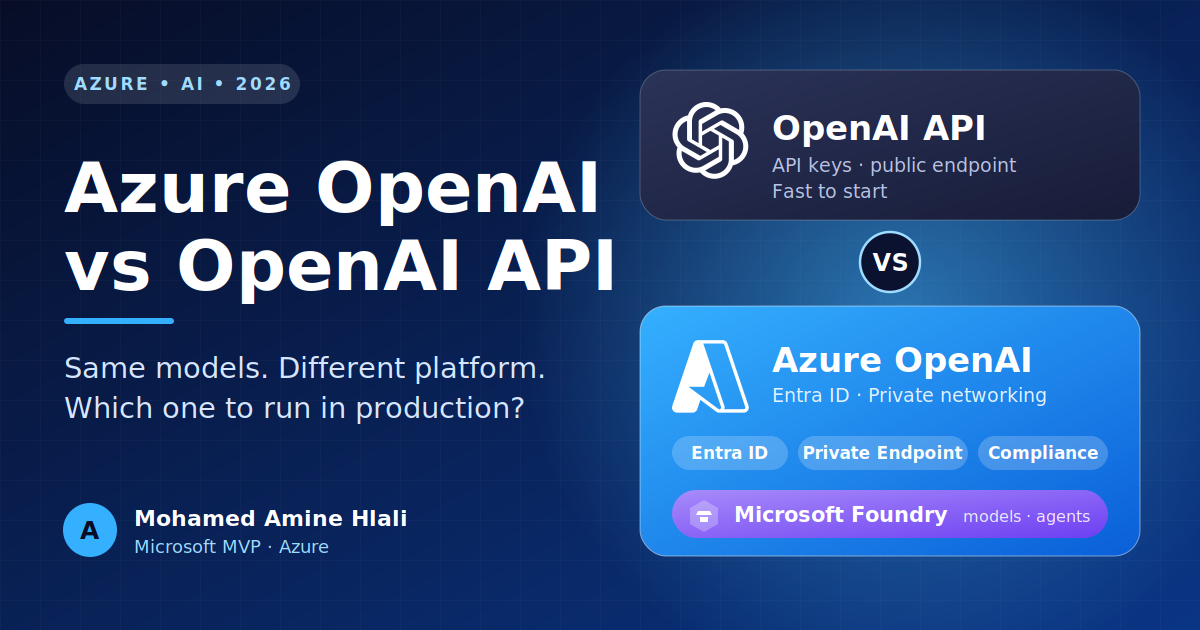
Azure OpenAI vs OpenAI API: How to Choose in 2027
Azure OpenAI or the direct OpenAI API? Compare security, data residency, cost and migration, with code, from a Microsoft Azure MVP.
By Mohamed Amine Hlali, Microsoft MVP (Azure) and Microsoft Certified Trainer
Every few weeks someone sends me the same message: "We want to add GPT to our product. Should we call OpenAI directly or go through Azure?"
My honest answer is that it is the wrong first question. The models are not what differ. The thing that differs is everything around the model: where your data goes, how your app proves who it is, what your security team will say, and what happens to your invoice when traffic grows.
This guide walks through the decision the way I would walk through it with a team. By the end you will know which option fits your project, how to migrate between them, and which traps to avoid. And yes, I will tell you plainly why, for most serious production workloads, I lean towards Azure OpenAI.
The short version
If you are in a hurry:
- Prototype, hackathon, side project, consumer app with no compliance constraints: the direct OpenAI API is fast and simple.
- Company workload, regulated data, internal tools, anything your security team will review: Azure OpenAI, because identity, networking, governance and billing are already solved inside a platform you probably use.
- Unsure: start on whichever is faster, but write your code so you can switch in an afternoon. I show how below.
Now the details.
First, a naming update
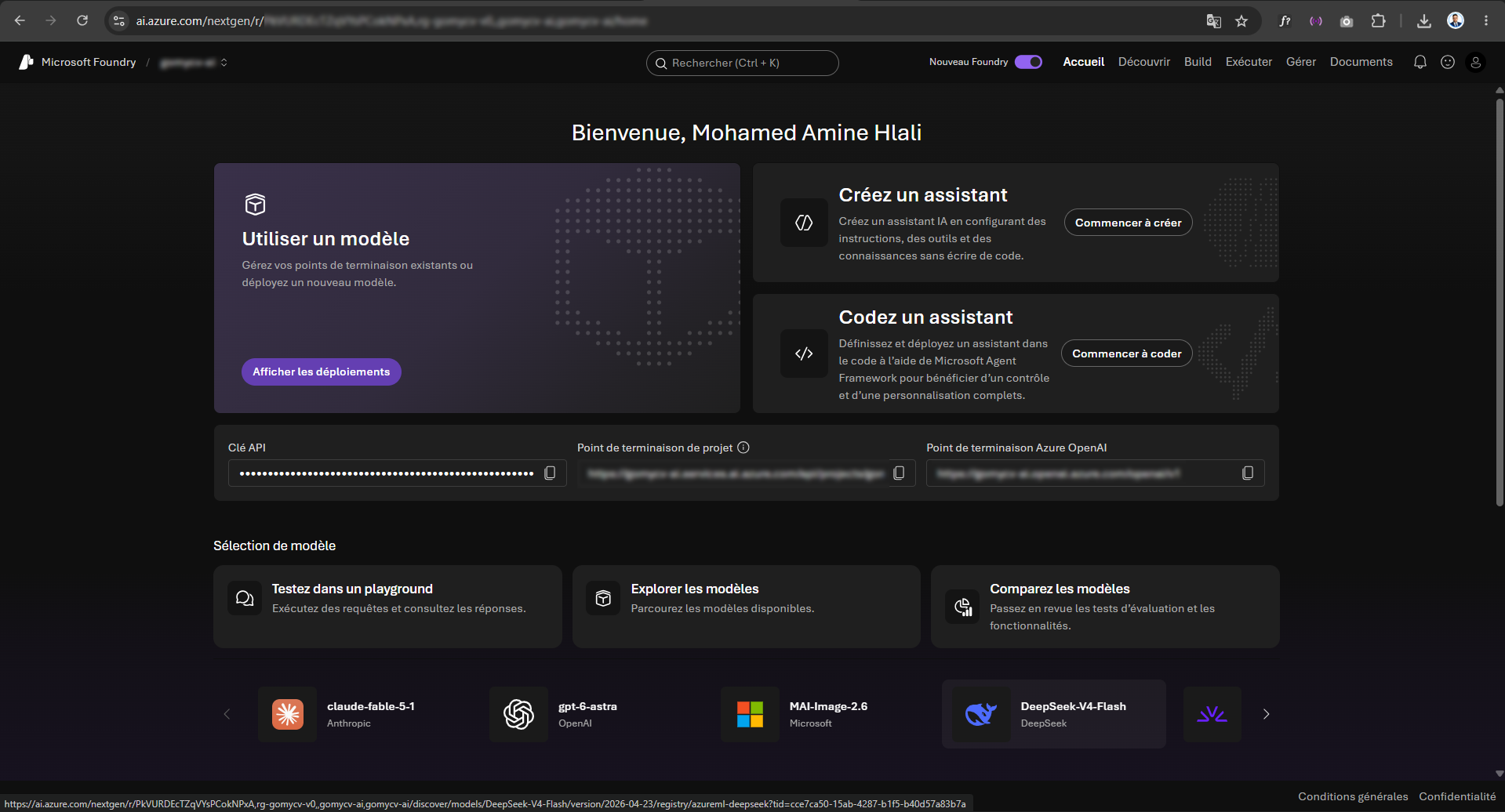
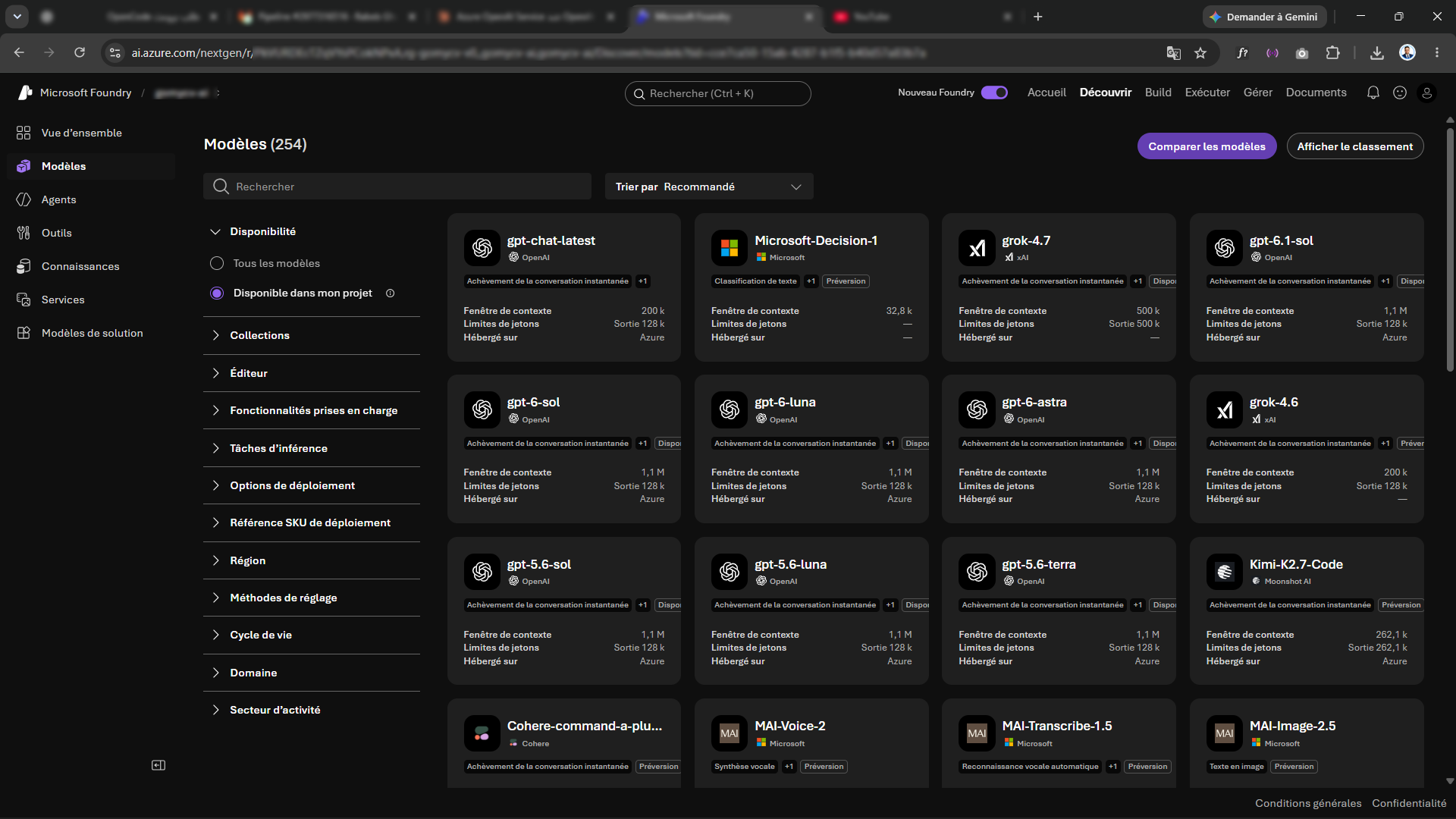
Microsoft has been reshuffling names, which confuses everyone. The portal and tooling formerly called Azure AI Studio, then Azure AI Foundry, is now branded Microsoft Foundry. Azure OpenAI is one of the services you consume through it, next to the model catalog (including non-OpenAI models), agents, evaluation and tracing.
Why this matters for you: when you read older tutorials, the screenshots and menu names may not match what you see. The concepts are the same. If you are searching documentation, try both the old and new names.
What is actually the same
Both platforms give you access to OpenAI model families: GPT models, reasoning models, embeddings, image generation, speech. The model quality you get for a given model version is the same on both sides. People sometimes ask whether Azure "nerfs" the models. It does not.
The code looks almost identical too. Chat completions, the Responses API, tool calling, structured outputs and streaming all work on both. That is why migration is usually small.
So the decision is about five things:
- Data handling and residency
- Authentication and identity
- Networking and isolation
- Cost model and capacity
- Governance, filtering and support
Let me take them one by one.
1. Data handling and residency
When you call the direct API, your prompts and completions are processed on OpenAI's infrastructure under OpenAI's terms. For many companies that is perfectly acceptable. For a bank, a hospital, a public administration or a company with strict client contracts, it often is not, or at least it triggers a long legal review.
With Azure OpenAI, your resource lives in your Azure subscription, in a region you pick. Microsoft documents that your prompts and completions are not used to train the foundation models and are not shared with OpenAI. You also inherit the compliance posture of Azure, which covers many frameworks that procurement teams already know how to evaluate.
One detail people miss: the deployment type decides where inference may run.
| Deployment type | What it means | Typical use |
|---|---|---|
| Global Standard | Requests can be routed to any supported region worldwide | Best availability and usually the best price, when residency is not strict |
| Data Zone Standard | Processing stays within a geography such as the EU or the US | Regulated teams that need regional boundaries without full single-region limits |
| Standard (regional) | Processing stays in the region you chose | Strict residency requirements |
| Provisioned | Reserved capacity, with regional, global or data zone variants | Predictable high volume, latency-sensitive apps |
| Batch | Asynchronous jobs at a discount | Large offline processing |
Names and options evolve, so check the current documentation before you commit. The point is that on Azure you choose, and you can explain that choice to an auditor.
2. Authentication: the difference I care about most
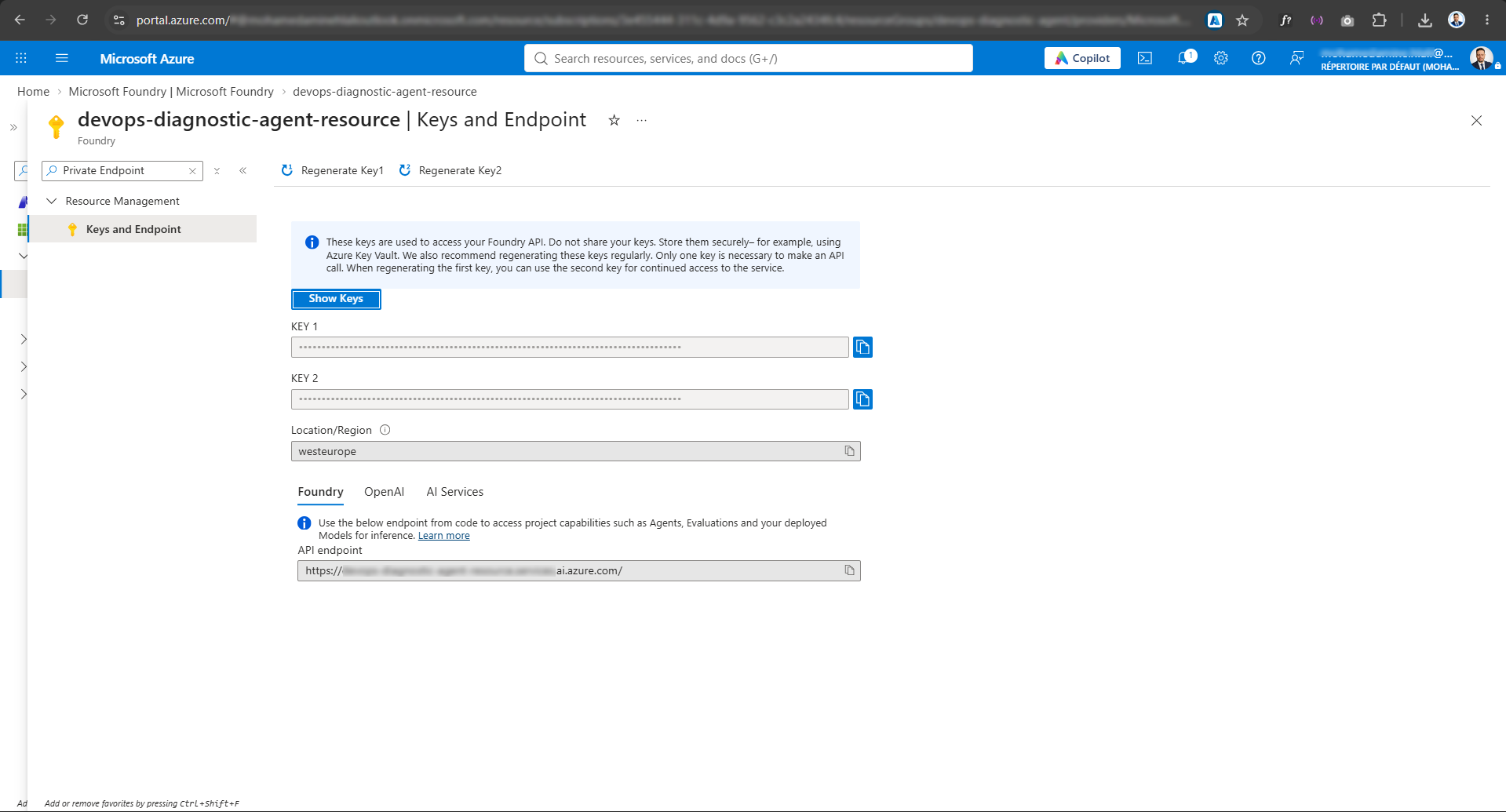
The direct API authenticates with an API key. A key is a secret string. It gets pasted into .env files, copied into CI variables, shared in chats, and one day committed to a public repository. I have seen it happen to good engineers. Rotating it means touching every place that uses it.
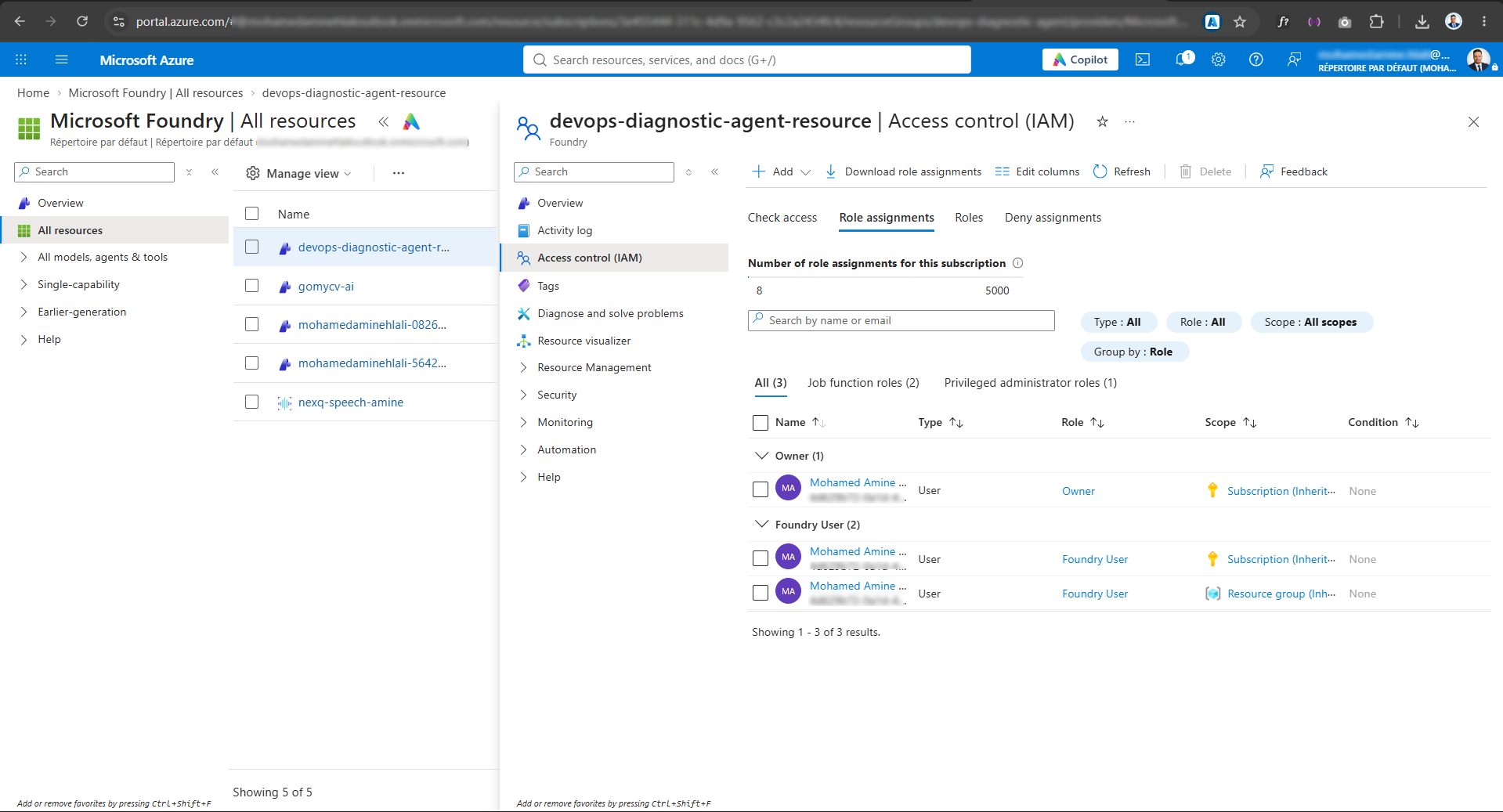
Azure OpenAI supports keys too, but it also supports Microsoft Entra ID and Managed Identity. Your app runs with an identity, Azure issues short-lived tokens, and there is no secret to leak because there is no secret.
Here is the pattern in Python:
from azure.identity import DefaultAzureCredential, get_bearer_token_provider
from openai import AzureOpenAI

token_provider = get_bearer_token_provider(
    DefaultAzureCredential(),
    "https://cognitiveservices.azure.com/.default",
)

client = AzureOpenAI(
    azure_endpoint="https://my-resource.openai.azure.com/",
    azure_ad_token_provider=token_provider,
    api_version="<current-api-version>",
)

response = client.chat.completions.create(
    model="my-gpt-deployment",  # your deployment name, not the model name
    messages=[{"role": "user", "content": "Explain Managed Identity in one sentence."}],
)
print(response.choices[0].message.content)
Three notes:
- Use
get_bearer_token_providerrather than fetching one token yourself. It refreshes tokens automatically, so long-running services do not break after an hour. - Give the identity the Cognitive Services OpenAI User role on the resource. Not Contributor. Least privilege.
- Once everything uses identity, you can disable key-based authentication on the resource entirely. Now a leaked key is impossible, because keys do not work. Security reviewers love this.
Locally, DefaultAzureCredential uses your az login session. In Azure (App Service, Container Apps, AKS with Workload Identity, Functions), it uses the managed identity. Same code everywhere.
3. Networking and isolation
The direct API is a public internet endpoint. You can restrict it with key hygiene and egress rules on your side, but you cannot put it inside your network.
Azure OpenAI can sit behind Private Endpoints, so traffic between your app and the model never crosses the public internet. You can combine that with virtual networks, firewall rules, private DNS, and disable public network access altogether. If your company runs an Azure landing zone with hub-and-spoke networking, the resource plugs in like any other PaaS service.
If you work with AKS, this is a natural fit: pods with Workload Identity calling a private endpoint, no secrets, no public exposure. It is a clean story to tell during an architecture review.
4. Cost model and capacity
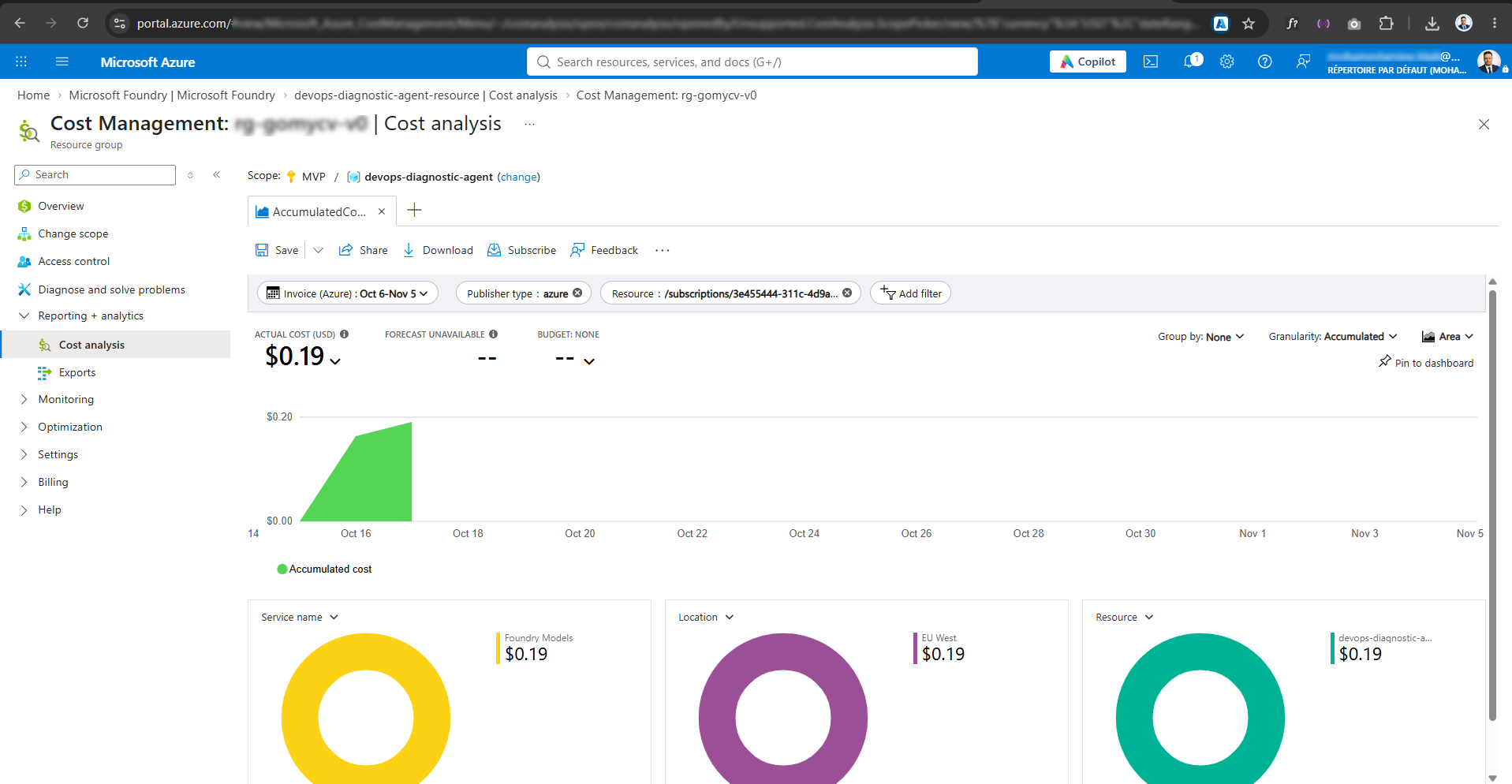
On paper, token prices for the same model are very close between the two platforms, so do not pick one hoping to save money per token. Check the current official price pages before you budget, because they change.
What changes is how you buy capacity:
- Pay-as-you-go (Standard): you pay per token. Simple, perfect for starting out and for uneven traffic.
- Provisioned Throughput (PTU): you reserve capacity and pay for it by the hour, whether you use it or not. You get stable latency and throughput. It starts to make financial sense when your sustained usage is high enough that reserved capacity costs less than the equivalent tokens. Run the numbers with your real traffic profile before committing.
- Batch: much cheaper for work that is not interactive, such as classifying a million documents overnight.
And the part pricing tables skip: the model is rarely your whole bill. A real production setup also pays for Azure AI Search, storage, monitoring, private networking, data transfer, and the engineering time to operate everything. Budget for the system, not just the tokens.
Two practical habits that save money on either platform: cache what you can, and send smaller models the easy requests. A router that sends simple questions to a mini model and hard ones to a larger model often cuts costs dramatically with no visible quality loss.
5. Governance, filtering and support
Content filtering. Both platforms moderate content. On Azure you get Azure AI Content Safety integrated, with configurable severity thresholds per category, plus protections such as prompt shields against jailbreak and prompt injection attempts. In a medical or legal context, default filters can block legitimate content, and being able to tune them is genuinely useful. Be careful: relaxing filters needs a justification and, for some settings, an approval.
Monitoring. Metrics and logs flow into Azure Monitor and Log Analytics. You can alert on throttling, latency and errors with tools you already use, and send logs to your SIEM.
Policy and access. Azure Policy, RBAC, tags, resource locks, managed networks. Your platform team can enforce rules such as "no public access" or "only approved regions" across every subscription automatically.
Support and SLA. Azure OpenAI comes with Azure's support plans and service level commitments. With the direct API, support depends on your OpenAI plan.
So when should you choose each?
Go with the direct OpenAI API when:
- You are prototyping or validating an idea and speed matters more than anything else
- You want the newest features the moment they are released
- You are building a consumer product where no compliance framework applies
- You are a solo developer or tiny team with no Azure footprint
Go with Azure OpenAI when:
- The data is sensitive, regulated, or covered by client contracts
- Your company already runs on Azure and wants billing, identity and governance in one place
- Security demands no secrets, private networking, or auditable access
- You need predictable throughput through provisioned capacity
- You want to combine the model with Azure AI Search, Functions, Container Apps, AKS, Cosmos DB and the rest of the platform
A caveat to be fair: new models and features sometimes reach the direct API first, and the gap has varied over time. If you must have a brand new capability on day one, check availability in your Azure region before you plan around it. Also, quota in popular regions can take time to obtain, so request capacity early, not the week before launch.
Why I recommend Azure OpenAI for production
I am a Microsoft MVP, so you can discount my opinion a little. But this is also what I see when architecture reviews happen. Projects rarely fail because the model is weak. They stall because someone asks "where does this data go?", "who can call this?", "how do we rotate the key?", "can it run in our private network?" On Azure, those questions already have answers that your security and compliance people recognize.
The model is a commodity you can swap. Identity, network isolation, governance and operations are what keep you out of trouble. That is where Azure OpenAI earns its place.
Migrating between the two
The nice news: it is small work. The change is mostly configuration.
Before, direct OpenAI:
from openai import OpenAI

client = OpenAI(api_key="sk-...")
client.chat.completions.create(model="gpt-4o", messages=[...])
After, Azure OpenAI with identity:
from azure.identity import DefaultAzureCredential, get_bearer_token_provider
from openai import AzureOpenAI

client = AzureOpenAI(
    azure_endpoint="https://my-resource.openai.azure.com/",
    azure_ad_token_provider=get_bearer_token_provider(
        DefaultAzureCredential(), "https://cognitiveservices.azure.com/.default"
    ),
    api_version="<current-api-version>",
)
client.chat.completions.create(model="my-deployment-name", messages=[...])
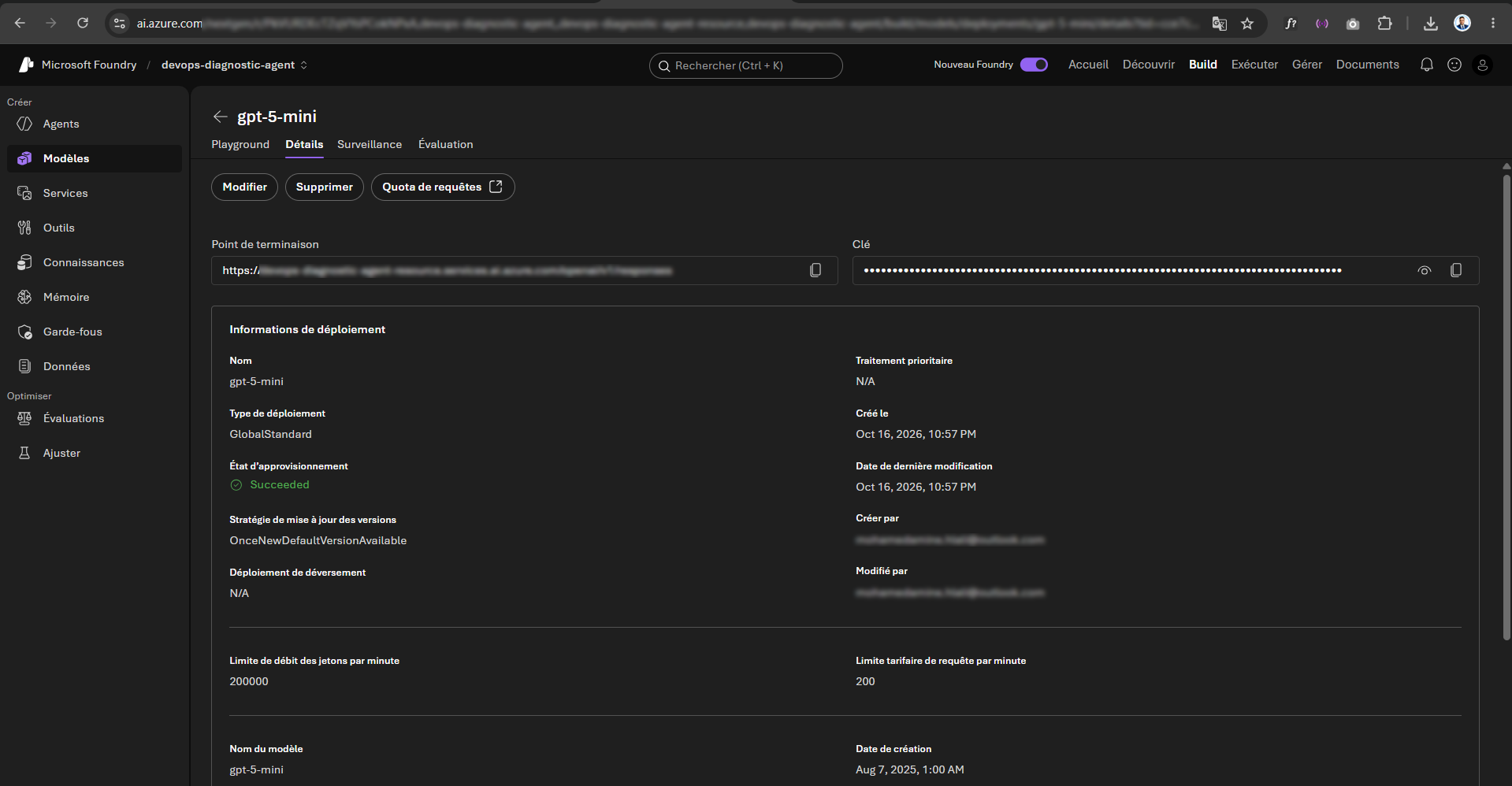
The biggest gotcha: on Azure, model is the name of your deployment, not the global model name. You create a deployment of a model in your resource, you name it, and that name is what your code sends. Many first-time errors ("DeploymentNotFound") come from this.
Other things to check during migration:
- API version: use a current one from the official docs. Microsoft has also introduced a more unified v1-style API surface so the standard OpenAI client can talk to Azure, so check which approach your SDK version recommends.
- Rate limits: Azure limits are per deployment, in tokens per minute. Handle 429 responses with retry and backoff.
- Region and quota: confirm the model is available in your region and that your quota is approved.
- Content filter behavior: test your real prompts. Sometimes a request that worked on the direct API gets filtered, and the response format for filtered content differs.
- Keep a thin abstraction: put the client creation in one function, so switching providers later touches one file.
A pattern I like: start fast, harden later
Plenty of good teams do both. They prototype on the direct API because it is quick, prove the idea with users, and then move to Azure OpenAI when the project becomes real. If the abstraction layer is in place, the move is a day of work plus the infrastructure setup (resource, identity, private endpoint, monitoring).
My suggested sequence for a first production setup:
- Create the Azure OpenAI resource in a region that has your model and quota.
- Deploy the model with the deployment type that matches your residency needs.
- Create a managed identity for your app and assign the OpenAI User role.
- Switch the code to token-based authentication, then disable keys.
- Add a private endpoint and turn off public access if your environment requires it.
- Configure content filters and send logs to Log Analytics.
- Set budgets and alerts so no surprise invoice arrives.
Common mistakes I see
- Treating the key as the security model. If your only protection is a secret in an environment variable, you have a ticking clock.
- Hardcoding model names. Use configuration for the deployment name.
- Ignoring quotas until launch week. Capacity requests can take time.
- Choosing PTU too early. Reserved capacity is wasted money until your traffic is steady.
- Forgetting retries. Rate limits will happen. Build for them.
- No cost visibility. Tag resources and set budgets from day one.
- Sending everything to the biggest model. Route by difficulty.
Frequently asked questions
Are the models on Azure OpenAI the same as OpenAI's? For the same model version, yes. The difference is the platform around them.
Does Microsoft use my data to train models? According to Microsoft's documentation, prompts and completions sent to Azure OpenAI are not used to train the foundation models. Always read the current data privacy page for your exact scenario.
Is Azure OpenAI more expensive? Per token the prices are close. Total cost depends on deployment type, the supporting services and your architecture, not on the provider name.
Can I use the OpenAI Python SDK with Azure?
Yes. The official openai library has an AzureOpenAI client, and Azure also supports the standard client against its newer API surface.
Can I use models other than OpenAI's? Through Foundry, yes. The model catalog includes models from other providers, which is another argument for choosing a platform instead of a single vendor.
Do I need to be an Azure expert? No. A basic resource and a deployment take minutes. The depth comes later, when you add networking and governance.
Final thoughts
The OpenAI API is an excellent way to start. Azure OpenAI is, in my view, the better place to run serious workloads, because it wraps the same models in the identity, network, governance and operations features that real companies need. Pick based on your data, your constraints and your team, not on hype.
If you are building on Azure and want help designing the architecture, I also teach this material through Technologia Academy. And if you found this useful, share it with the colleague who keeps asking "direct API or Azure?"
Prices, quotas, model availability and API versions change often. Always confirm on the official Microsoft documentation before making architecture or budget decisions.